BILLNEXA GUIDE • GST & RETAIL BILLING
GST Billing Software for Small Shops in India: A Practical 2026 Guide
GST invoices, POS, stock, printing and customer records—here is what Indian shop owners should actually check before choosing a billing app.
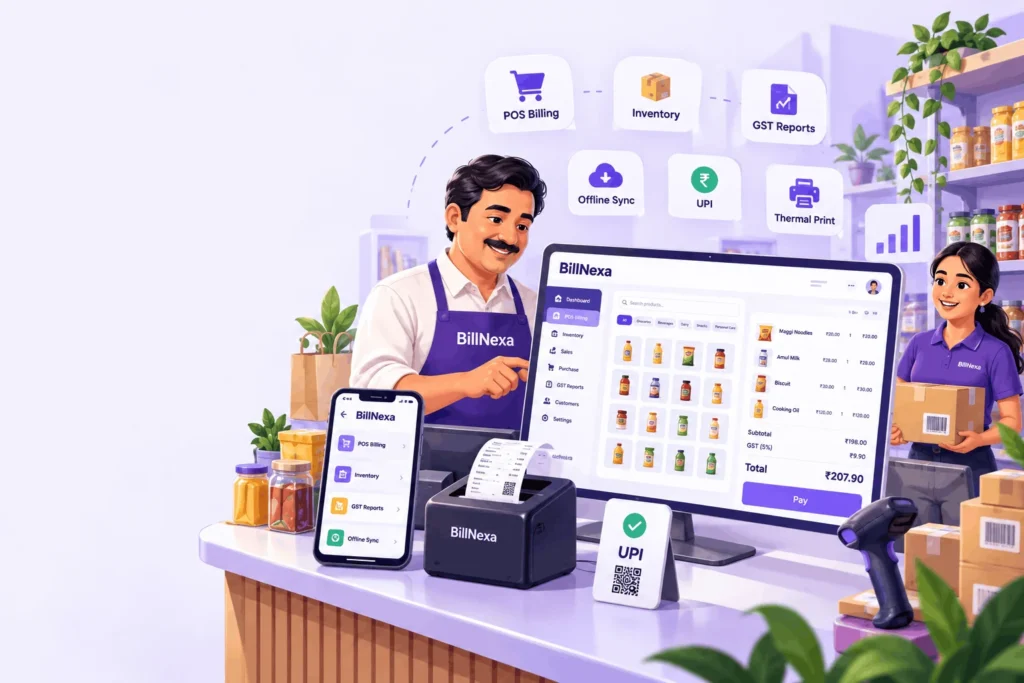
Quick answer: Look for accurate invoices, simple product selection, inventory updates, practical returns, readable printing and useful daily reports. Test these with your real shop workflow before choosing a plan.
Imagine a busy evening at a mobile or grocery shop. One customer wants a tax invoice, another asks about an exchange, and your employee is looking for an item that may be out of stock. A good billing system should simplify these moments, not introduce more screens and paperwork.
For Indian small businesses, the right tool combines clear invoices with useful day-to-day records. The goal is not to collect hundreds of features; it is to complete each sale accurately, update stock and understand what happened by closing time.
What should GST billing software for a small shop include?
Start with the invoice itself. You should be able to record business information, customer details where needed, the product or service, quantity, unit price, discounts, taxes and the amount payable. For GST invoices, check the fields relevant to your registration and transactions: GSTIN, invoice number and date, taxable value, applicable tax rate and tax amounts, and HSN or SAC details where required.
GST billing is not the same as GST return filing. Billing software can help organize sales records; you still need to check your GSTR-1, GSTR-3B and other compliance responsibilities using the official process and professional guidance. Refer to the GST Portal’s guide to GSTR-1 for official information.
POS and inventory: two parts of the same sale
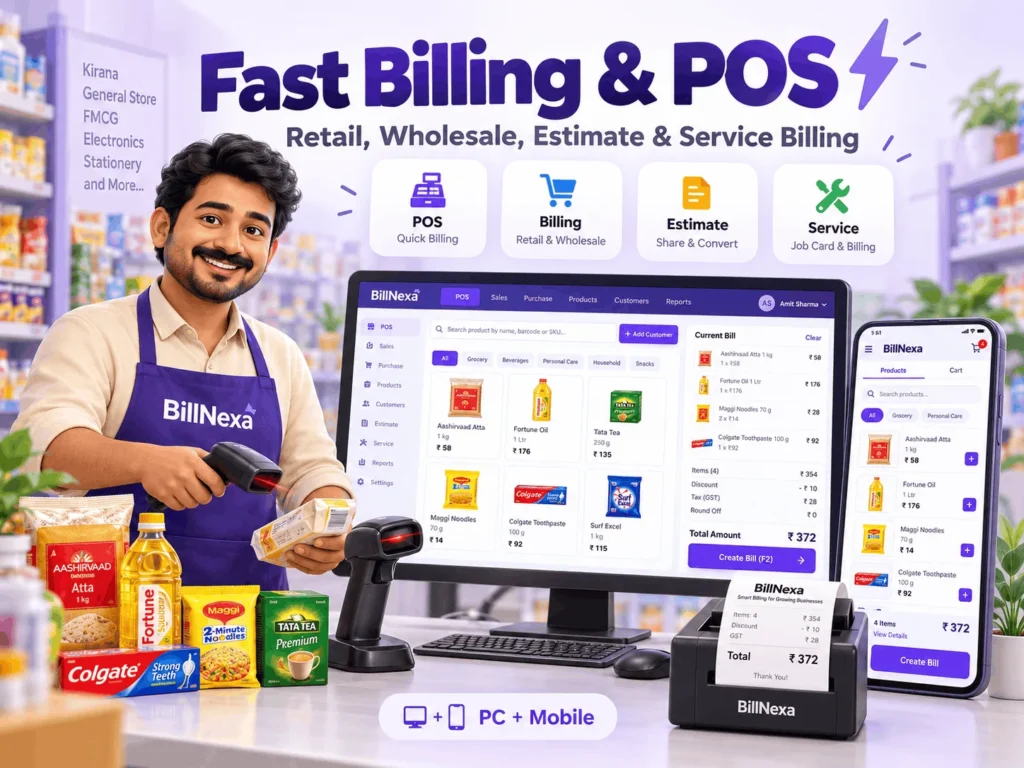
When the cashier selects a product, the software should make it easy to find the right item and price. After the sale, inventory records should reflect that movement. This connection is especially valuable when you sell many similar items—phone covers by model, grocery products by variant, or hardware items by size.
- Fast product lookup: search and barcode-assisted billing where supported.
- Reliable pricing: maintain retail and applicable alternate price levels.
- Stock visibility: spot items that need replenishment.
- Sales history: trace an invoice when a customer returns.
- Customer balances: review supported credit and ledger records.
Returns, printers and staff permissions matter too
Many shops need to do more than sell an item once. A customer may exchange a damaged accessory, request an updated invoice or ask for a copy of a receipt. Choose software that preserves a clear record of the transaction rather than forcing manual corrections to old bills.
Printing is another real-world test. A receipt that looks right on-screen may still be cut off on a 58 mm thermal printer, while a detailed business invoice may be better on A4. BillNexa supports compatible thermal and full-page printing workflows; your actual results depend on the printer, connection and setup. Test one real bill—including a long item name and taxes—before relying on any printer.
For a growing shop, think about who needs access. Cashiers may need sales access, while owners need staff management, supplier payouts, expenses and reporting. BillNexa provides these workflows according to the chosen plan and settings. Optional serial or IMEI handling may be especially relevant to electronics shops.
A simple four-step software test
- Set up a sample product: include its name, price, tax configuration and stock quantity.
- Make a test invoice: check totals, tax display and customer details.
- Print and share: use the real printer and review the resulting PDF or receipt.
- Review the result: check inventory, sales history and any owner reports available on your plan.
If one of these basic steps feels difficult, fix the workflow before adding advanced features.
Where BillNexa fits
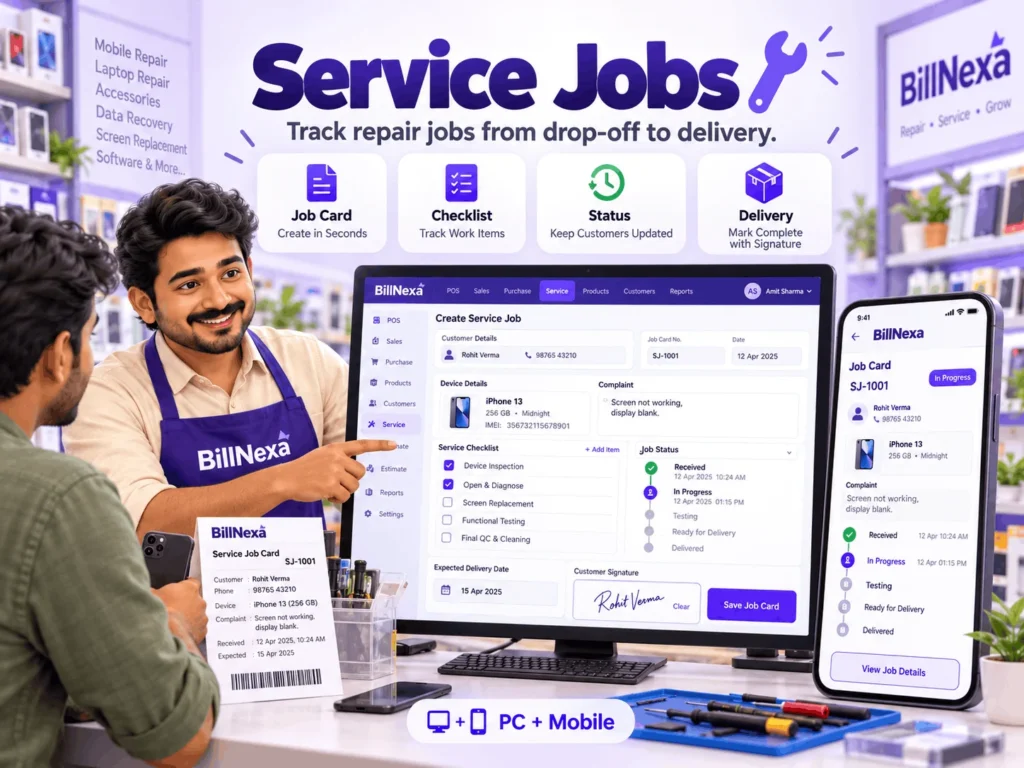
BillNexa is designed for Indian retail workflows, with retail billing and basic stock tools in its free offering and additional capabilities such as POS, exchanges and returns, staff tools, printer settings and reports in applicable paid plans. It supports Windows desktop and Android experiences with an offline-first approach.
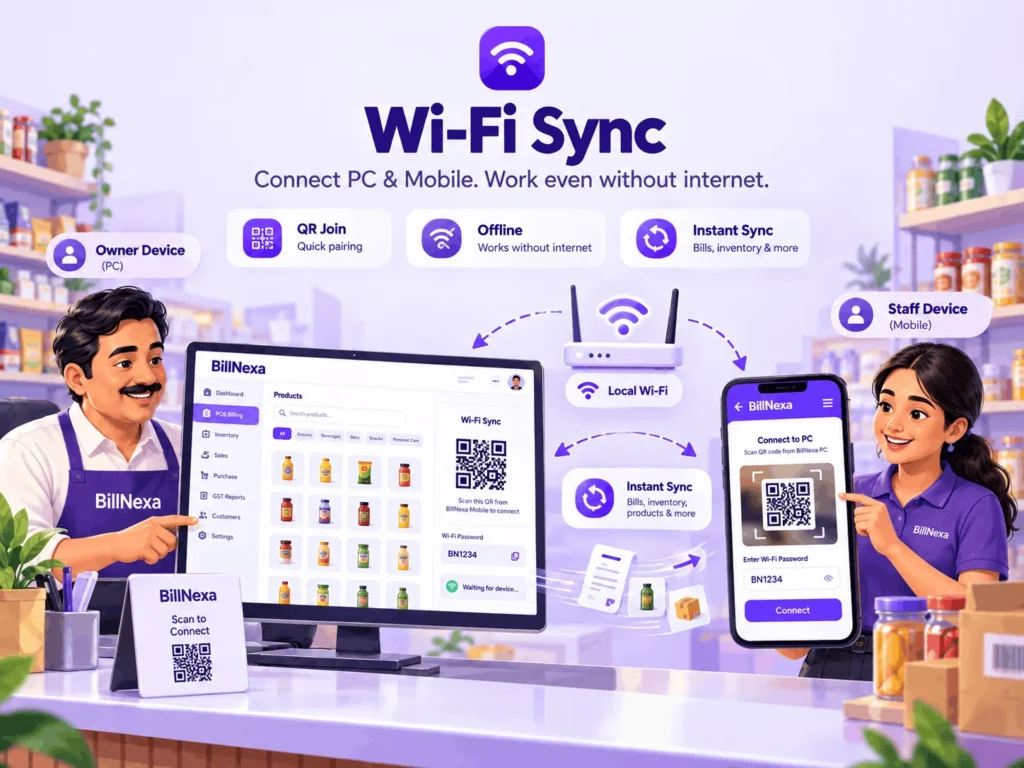
A small shop can start by testing billing and gradually explore additional tools as the business requires them. To compare the available features, visit the BillNexa feature overview. If your team uses both a PC and a phone, read our offline billing and local Wi-Fi sync guide.
Bottom line: The best GST billing software for a small shop is the one your team can use accurately every day. Test tax details, inventory, printing and returns with real scenarios, and verify legal requirements with a qualified adviser.
Frequently asked questions about GST billing software
Ready for a smarter shop counter?
Explore the software, add a few sample products and try an actual invoice. A short real-world test can tell you more than a long feature comparison.
Features, device support and plan terms vary. Confirm current availability before subscribing.